Tailscale private mesh
Connect your phone directly to your Mac without port forwarding or public cloud relays.
AGENT. / NOTE · LOCAL VOICE & MINUTES
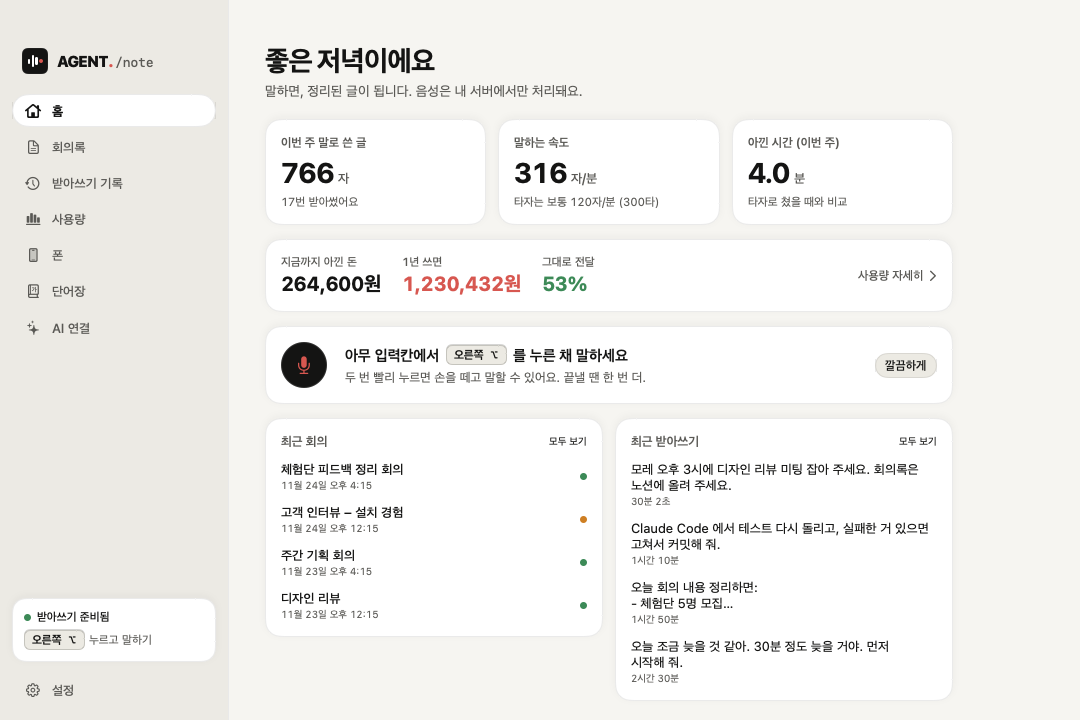
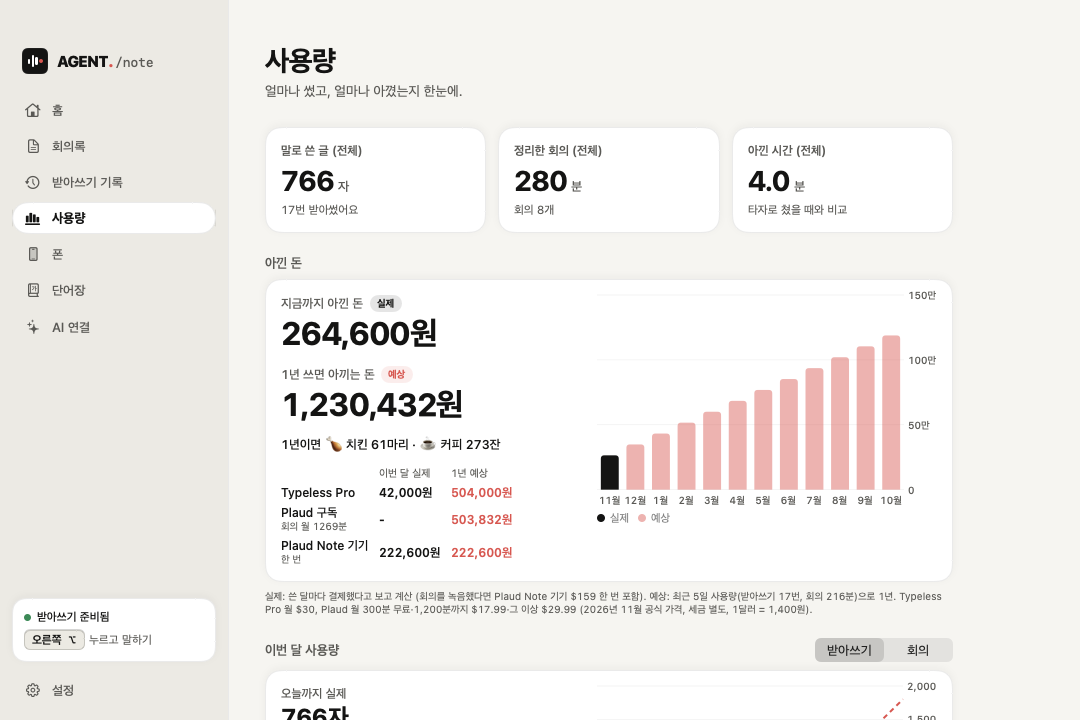
Hold one key to drop cleaned-up prose right at your cursor in any Mac app. Capture meetings offline on Android, process speakers and timestamped minutes on your own Mac, and query them over read-only MCP.
01DICTATION
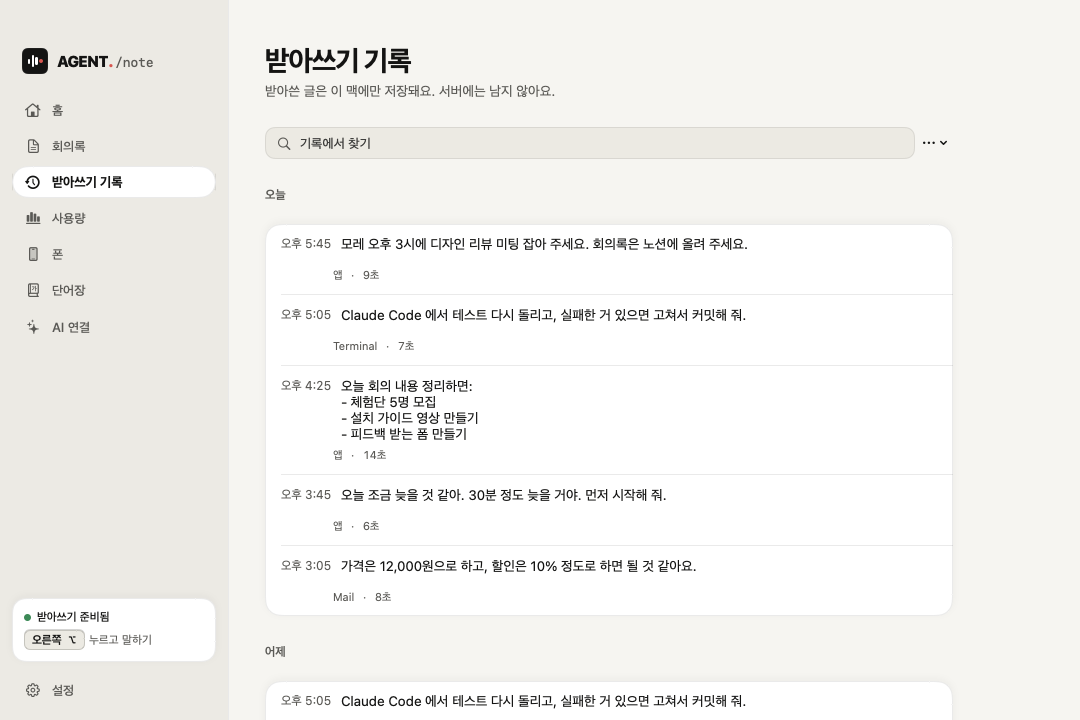
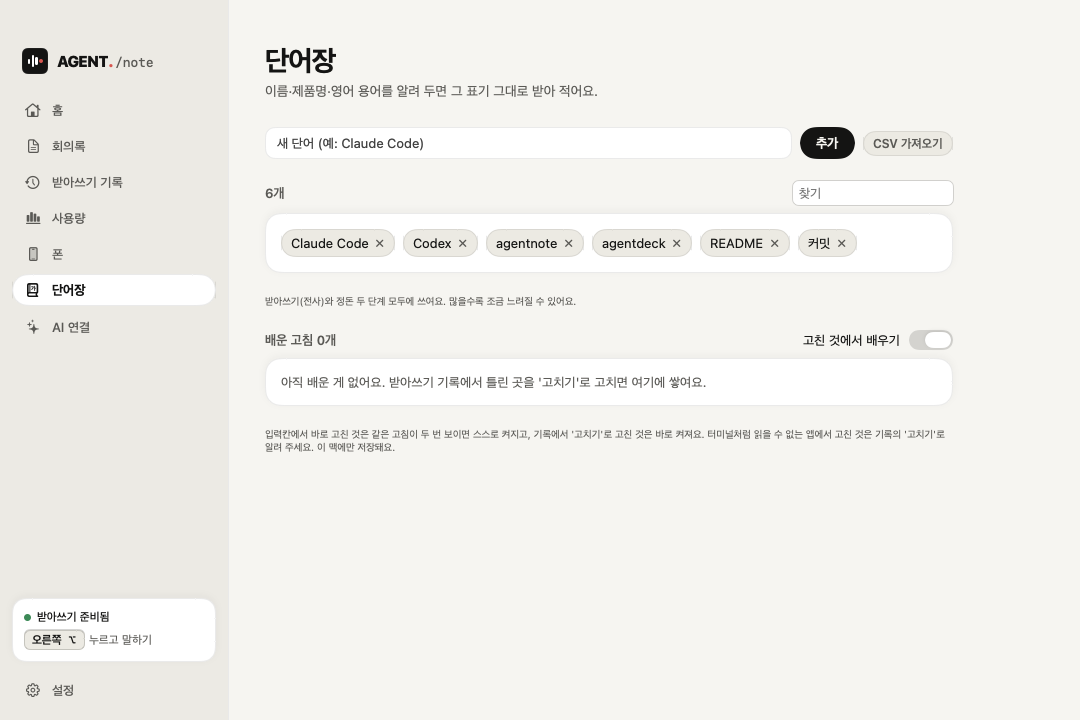
Works inside Notion, Slack, Mail, and your terminal. Custom vocabulary and correction learning adapt to your product names and phrasing locally.
Uh so wrapping up today's sync: recruit five beta testers, um record the setup guide, and publish the feedback form.
Today's sync summary:
- Recruit 5 beta testers
- Record the setup guide
- Publish the feedback form
Wrapping up today's sync: recruit five beta testers, record the setup guide, and publish the feedback form.
uh so wrapping up today's sync recruit five beta testers um record the setup guide and publish the feedback form
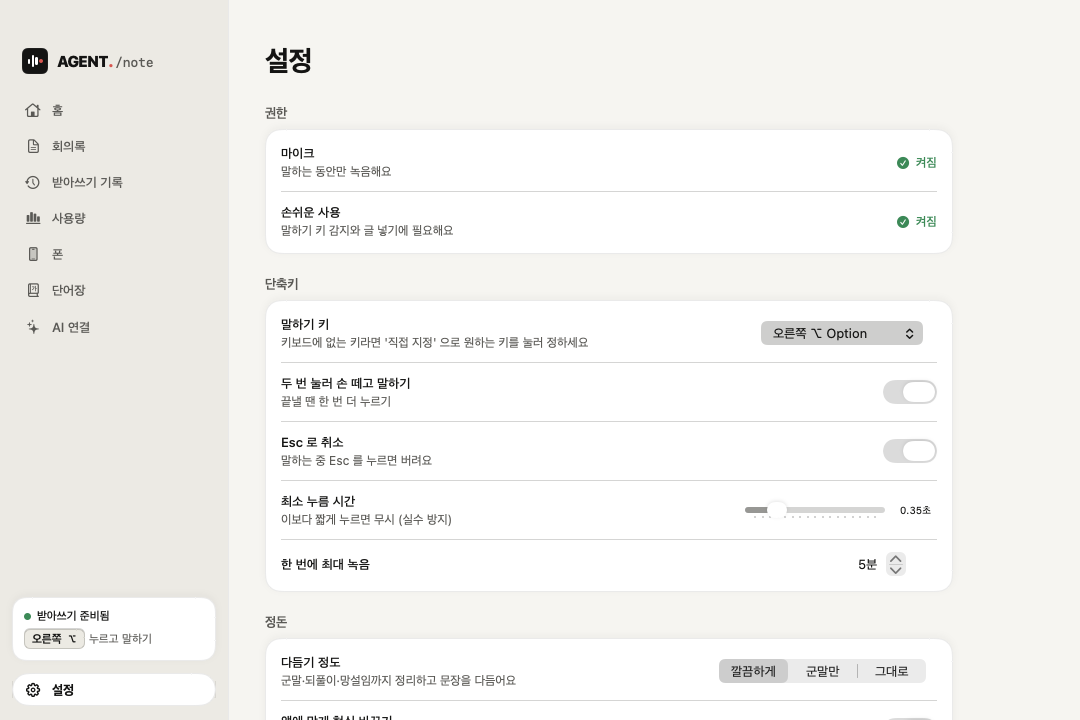
Right ⌥ hold to speak · double-tap for hands-free mode
02MEETING MINUTES
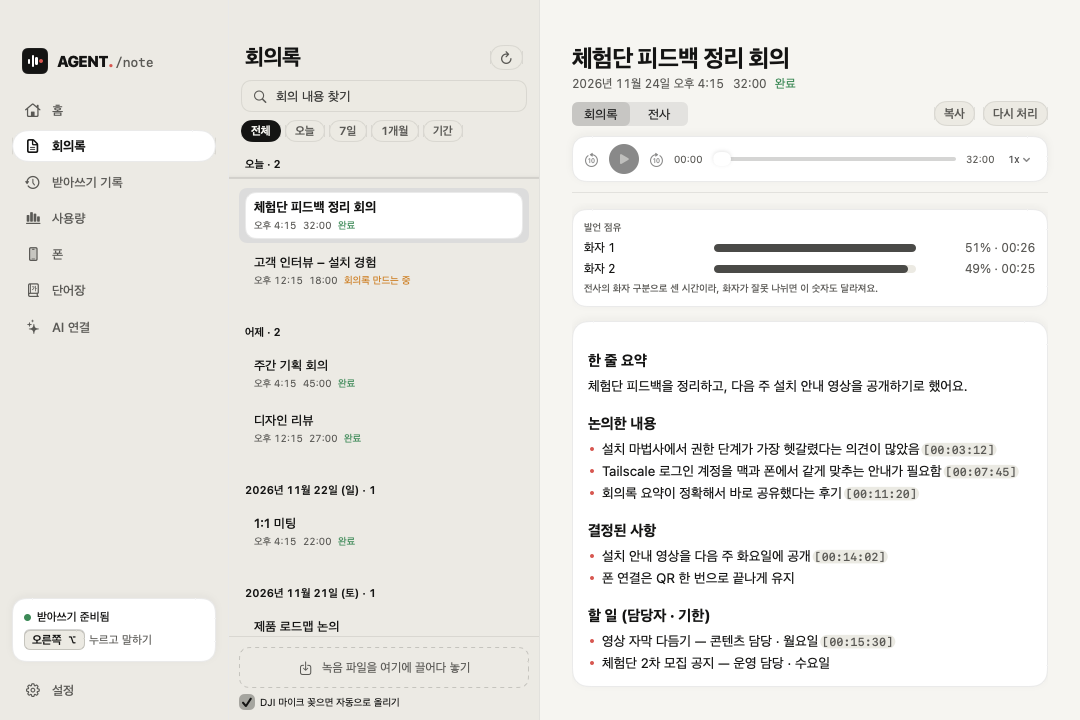
Whisper transcribes, speaker diarization separates voices, and a local Qwen3 model extracts summary, decisions, and action items grounded strictly in what was said.
03ANDROID RECORDER & IME
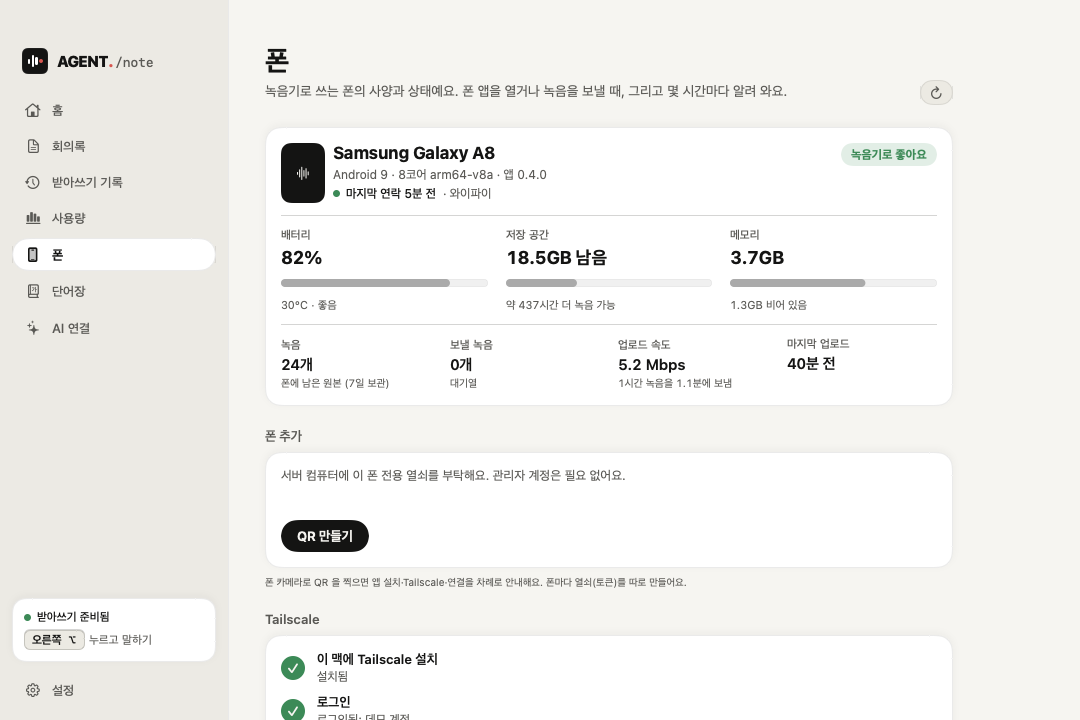
Originals stay safely on your phone until your Mac confirms receipt, with configurable retention (none · 7 days · 30 days · forever) and Wi-Fi-only uploads.
Keep recording with the screen off or in another app; uploads resume cleanly without duplicates.
Tap once during a meeting to bookmark critical timestamps directly into your generated minutes.
Speak inside any Android messaging or note app and paste locally tidied text straight from your Mac.
Agreed to streamline the permissions wizard and keep one-scan QR pairing for Android.
Tap the voice bar below to insert a sample dictated sentence.
04AI AGENTS · MCP
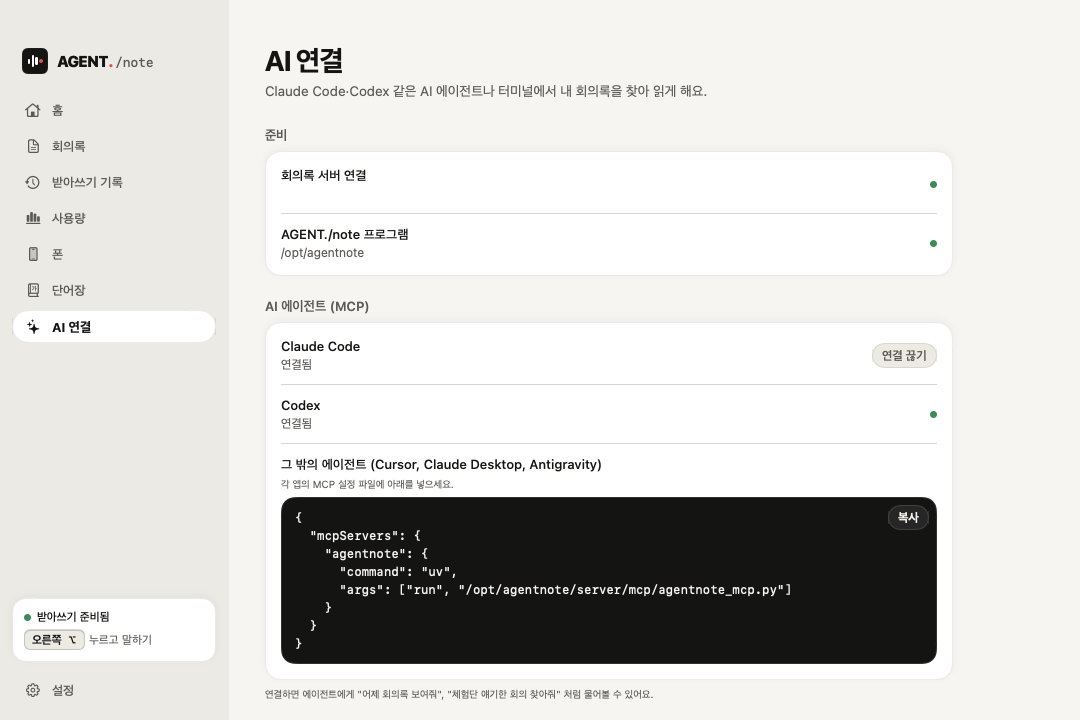
Connect Claude Code, Codex, Cursor, Antigravity, or Claude Desktop in one click. Every tool is strictly read-only so agents can never alter or delete recordings.
recent_recordings · Read-only list{
  "recordings": [
    {
      "id": 9,
      "title": "Beta Feedback Sync",
      "duration": "32:00",
      "status": "COMPLETED"
    },
    {
      "id": 7,
      "title": "Weekly Planning",
      "duration": "45:00",
      "status": "COMPLETED"
    }
  ]
}
get_minutes(id=9) · Structured minutes{
  "summary": "Consolidated beta feedback and locked setup video launch.",
  "decisions": ["Launch walkthrough Tuesday [00:14:02]", "Keep QR pairing"]
}
get_transcript(id=9) · Speaker lines[00:03:12] Speaker 2: Most questions came from finding Accessibility.
[00:14:02] Speaker 1: Let's lock in next Tuesday for the setup video.
search_recordings(query="QR pairing"){
  "matches": [
    { "recording_id": 9, "timestamp": "00:14:18", "snippet": "Keep one-scan QR pairing for Android" }
  ]
}
ask_recording(id=9, q="When is the video launch?")Answer: The setup walkthrough video launches next Tuesday.
Source: [00:14:02] Speaker 1
05LOCAL FIRST & SETUP
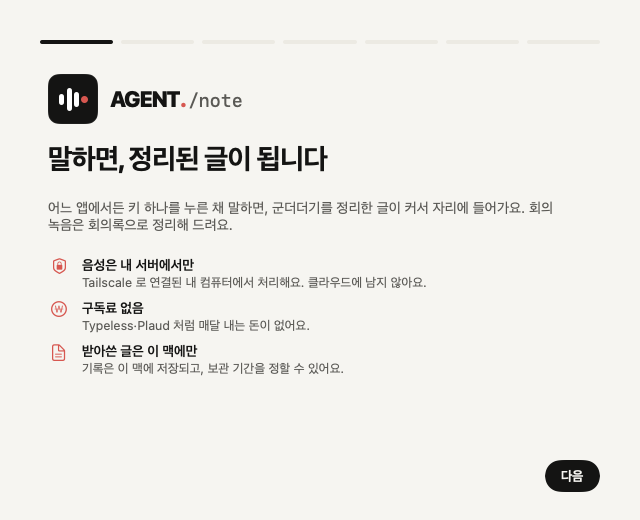
No third-party audio servers. The built-in wizard guides permissions, local model sizing, private Tailscale pairing, and QR phone setup step by step.
Connect your phone directly to your Mac without port forwarding or public cloud relays.
Originals stay on your phone until your Mac confirms receipt, with flexible cleanup periods.
Check mic & Accessibility permissions and install right-sized local models inside the app.
AGENT. / NOTE · BETA
Local dictation, meeting minutes, and read-only AI agent memory on Apple Silicon Mac and Android — with zero monthly subscription.
Release links activate automatically once configured in site-config.js.